6 Kurse
Lindy Pro Control: Programming Keypads and Touchpads
Module 1 - Why Lindy Pro Control?
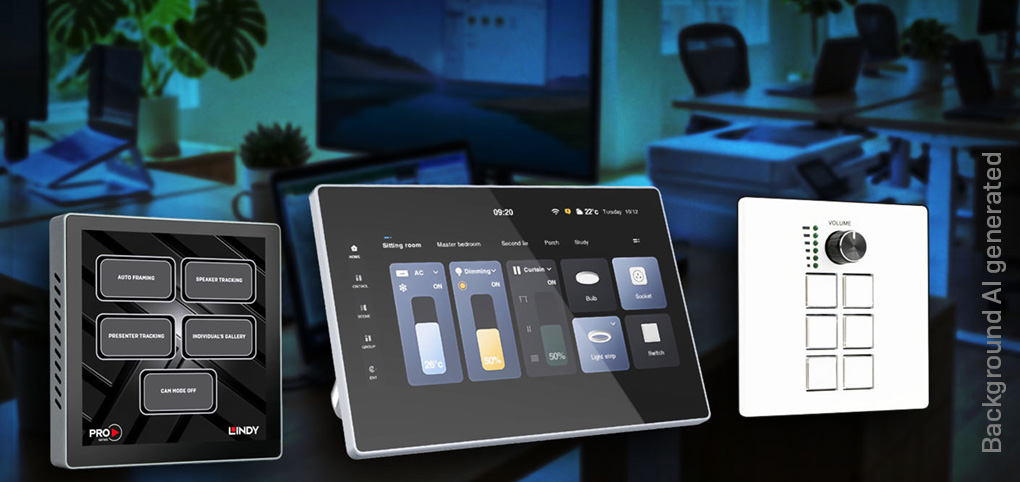
In this first module, discover how Lindy Pro Control simplifies AV system control and where it fits within an installation. Explore the product family, network-based workflow, project creation, preview and upload process, and troubleshooting tools. You'll also learn the differences between keypad and touchscreen controllers, providing a solid foundation for the modules ahead.
Lindy Pro Control: Programming Keypads and Touchpads
Module 2 - Let’s Make Something Happen
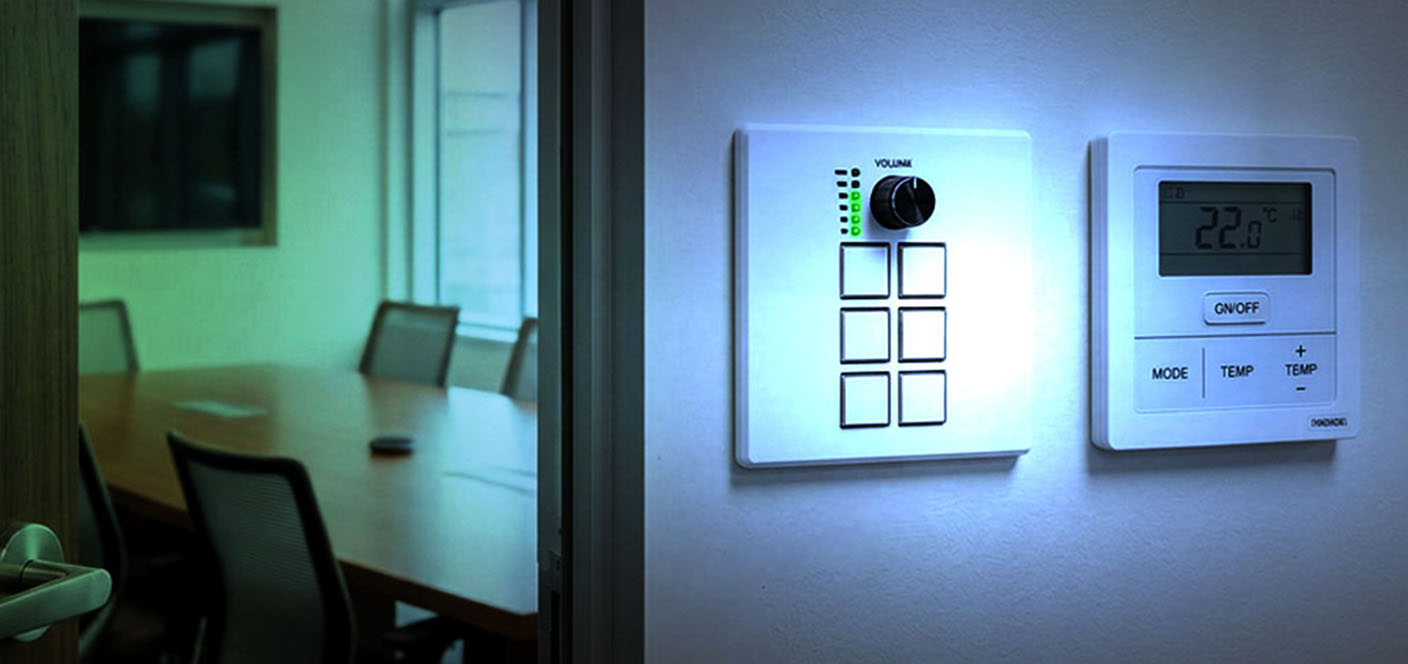
In this module, build your first working Lindy Pro Control project using the 32306 Control Keypad. Learn how to configure buttons, the rotary dial, and logic events, create a simple control path, and upload, test, and troubleshoot your project for a successful deployment.
Lindy Pro Control: Programming Keypads and Touchpads
Module 3 - Advanced Development and Logic
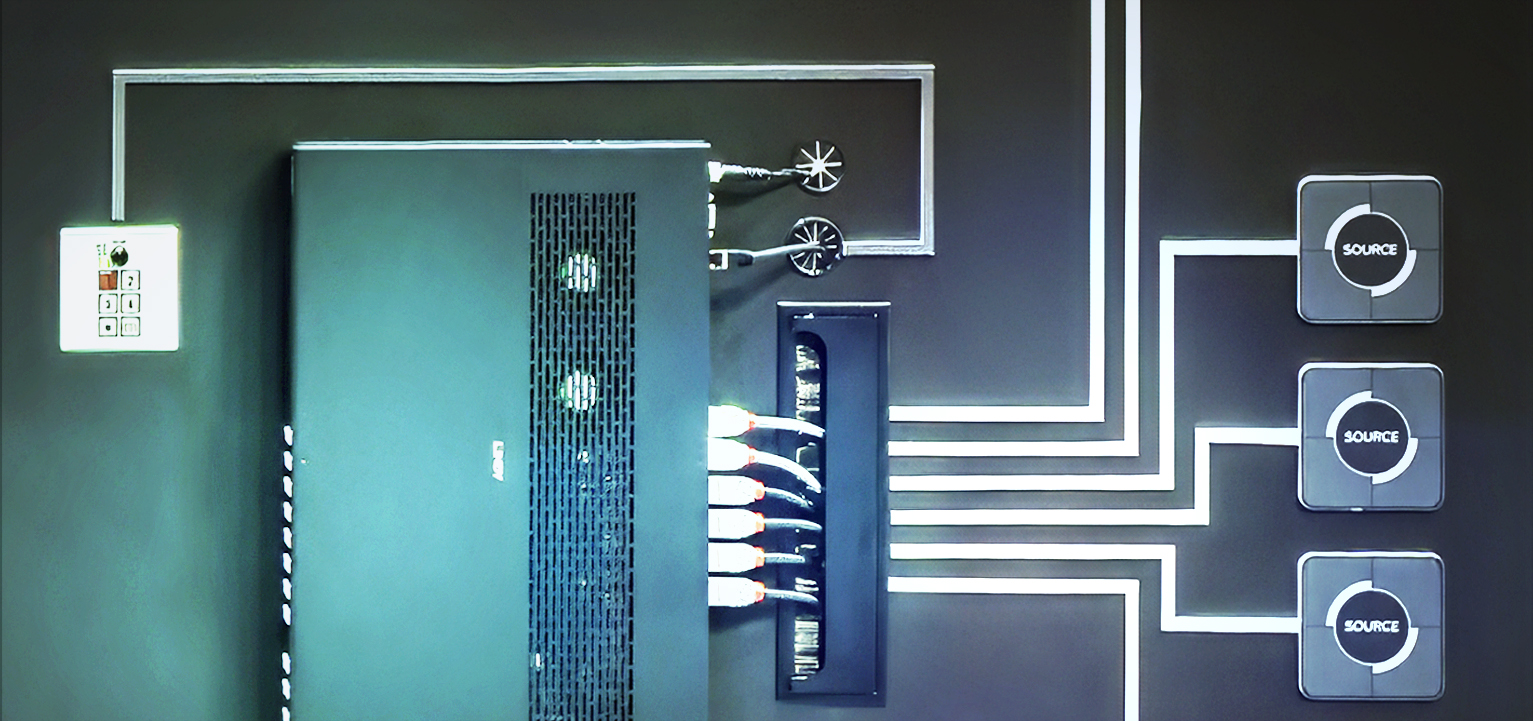
In this module, take your projects beyond basic control by building advanced logic workflows. Learn how to connect modules, create commands, process data, integrate external devices, and use debugging tools to design reliable, scalable, and intelligent control systems.

Lindy Pro Control: Programming Keypads and Touchpads
Module 4 - Touchscreen Design for Touchpad Projects
In this module, design intuitive touchscreen interfaces for Lindy Pro Control. Learn how to create pages, organise layouts, style components, configure navigation, and refine the user experience to build clear, professional, and easy-to-use control interfaces.

Lindy Pro Control: Programming Keypads and Touchpads
Module 5 - Bringing It All Together: Simulator Workshop
In this module, bring everything together through practical workshops and real-world scenarios. Build, test and validate complete control projects, combine hardware, logic and touchscreen interfaces, troubleshoot common issues, and develop the skills needed to confidently deploy professional AV control systems.

Lindy Pro Control: Programming Keypads and Touchpads
Lindy Pro Control Assessment
The Lindy Academy Endpoint Assessment is your stepping stone to more advanced training. To earn your certification, you'll need to achieve a passing score of 25 out of 30. Don’t worry—there’s no limit to the number of attempts you can make, so you can keep trying until you succeed!